Fast, Free & Safe E-Waste Removal
Secure Data Destruction in Sydney
Free pickup for Sydney businesses and schools. We wipe or destroy the data on your old computers, laptops and drives, then recycle everything the right way.
Free pickup for eligible business and school
Same-day pickups available
Every drive wiped before recycling
Nothing goes to landfill
Request Free Pickup or call +61 434 934 081
Rated 5.0 on Google - Serving all of Greater Sydney
What Is Secure Data Destruction?
Secure data destruction means removing the data from old devices so nobody can read it again. We do this in two ways: we wipe the drive with professional software, or we destroy the drive if needed. Then we recycle the equipment.
What We Wipe and Destroy Data On
Why Deleting Files or Factory Resetting Isn't Enough
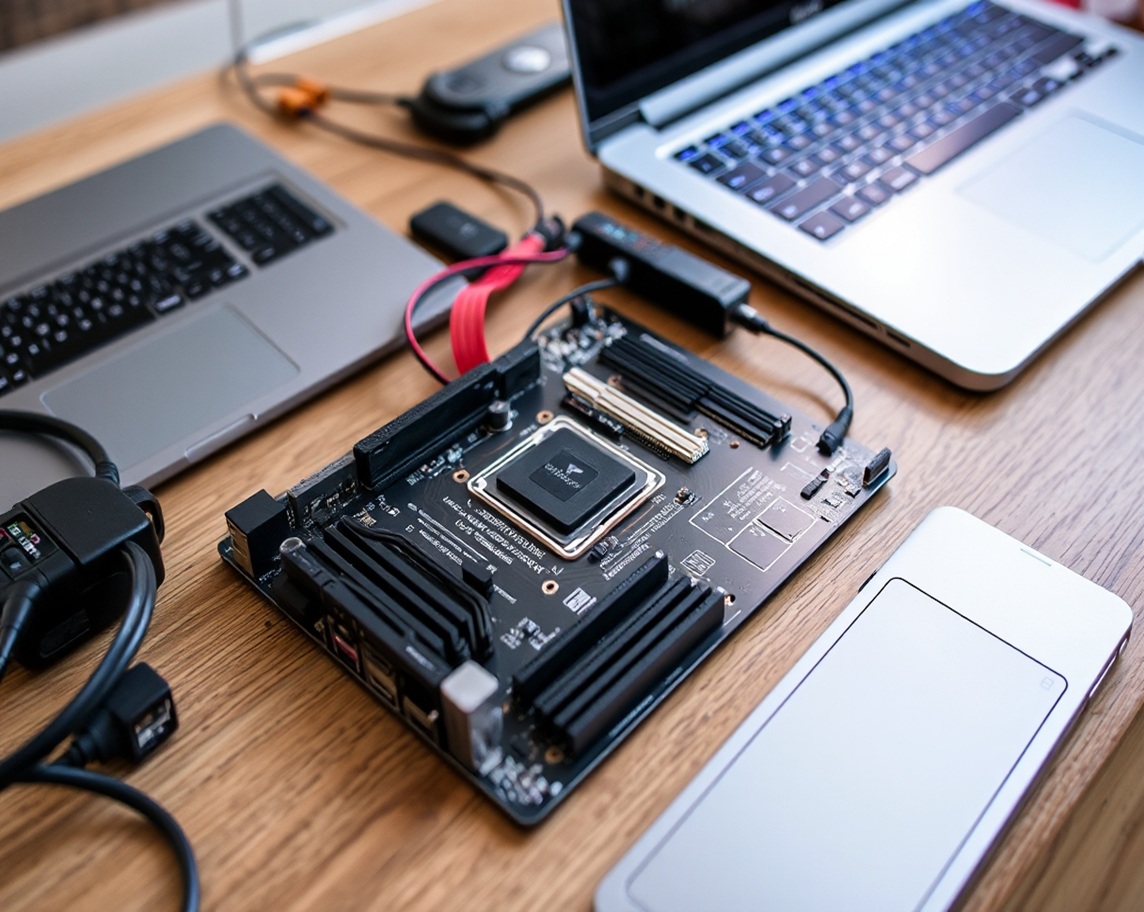
Most people think emptying the recycle bin or resetting a laptop clears everything. It often doesn’t. Data can stay on a drive long after you think it’s gone, and it can sometimes be recovered with simple software. If that device ends up with someone else, so does your information.
| Method | What it does | Can the data come back? | Can the device be reused? |
|---|---|---|---|
| Deleting files | Hides the files, but the data stays on the drive | Often | Yes |
| Formatting a drive | A quick format clears the file list but leaves the data behind | Often | Yes |
| Factory reset | Puts the device back to its original settings. Results vary by device | Sometimes | Yes |
| Data wiping | Erases the data using professional software | Not when done properly | Yes |
| Drive destruction | Destroys the drive itself | No | No |
how it's Work
Our Secure Data Destruction Process
Book your pickup
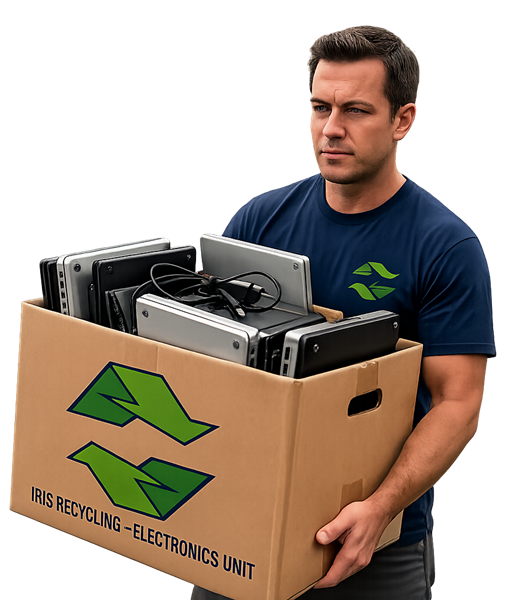
We collect it
We wipe or destroy the data
We recycle responsibly
Our Data Destruction Methods
Data wiping
We use professional data erasure software (Active@ KillDisk) to erase the data on hard drives and SSDs. Once it’s done, the old data can’t be read, and the device can often be reused. Best for working drives you no longer need.
Drive destruction
Should You Wipe or Destroy Your Devices?
| Your situation | Best option |
|---|---|
| The drive still works and you don't need the data | Wiping |
| The device could be reused | Wiping |
| The drive is broken or won't turn on | Destruction |
| The data is very sensitive, or your own policy says to destroy | Destruction |
Not sure which one you need? Call us on +61 434 934 081 and we’ll help you choose.
Before You Wipe or Destroy Your Data: A Quick Checklist
A little planning now saves problems later. Before we collect, check these:
- Back up what you need. Once a drive is wiped or destroyed, the data is gone for good.
- Check what you must keep. Some records, such as financial, staff or school records, may need to be kept for a set time.
- Check your other copies. Make sure important files also live in your cloud storage, email or backup system.
- Get the right sign-off. Make sure the person in charge of your IT or records agrees.
- Update your asset list. Note which devices are leaving.
You decide what data can be destroyed. We take care of the wiping or destruction and the recycling.
Why Data Destruction Matters for Australian Organisations
Many Australian businesses and schools hold personal information about staff, students and customers. Under the Privacy Act, many organisations must take reasonable steps to destroy or de-identify personal information once they no longer need it. If a discarded device exposes that information, it can also lead to a data breach you may have to report.
This is general information, not legal advice. If you’re unsure what applies to you, check with your legal adviser.
Data Destruction for Businesses and Schools
See our IT Asset Disposal service and Data Centre and Server Decommissioning service for bigger jobs.
FAST, FREE & Secure COMPUTER & LAPTOP RECYCLING
Why Sydney Organisations Choose IRIS Recycling
Free pickup for eligible jobs
Your data is wiped properly
Local and easy to deal with
Recycled responsibly, and local
Destroyed when needed
Same-day pickups available
Service areas
Free E-Waste Pickup Across Greater Sydney
IRIS Recycling provides e-waste collection for eligible businesses and schools across its confirmed Sydney service area. Our team coordinates collections based on your location, the equipment involved and the collection requirements.
Not sure if your site is covered? Contact us with your suburb and equipment details to confirm availability.
List of faq’s
Data Destruction FAQs
Is a factory reset enough?
What's the difference between wiping and destroying a drive?
Can SSDs be wiped securely?
Do we need to remove the drives before pickup?
What happens if a drive can't be wiped?
Do you destroy paper documents?
Testimonials
What Our Customers Say
5.0
Quick and efficient and nice to work with. Helped me with some technical problems I was having at home while he was doing my e-recycling pick up. Lovely guy, happy to recommend.

Gene GO
Had an awesome experience with Iris Recycling. Super reliable—they stepped in and saved the day when another company bailed last minute. They agreed to a next-day pickup without hesitation. Can’t recommend them enough.
St Dominics
Great working with Ken from Iris, he arrived on time, was friendly and took away our old computer screens for recycling/reuse.
Will definitely be in touch again when we have our next clean out!
Thanks.
Paul Wilcock
Very efficient, within 30 minutes of calling them, they came and collected my E Waste! Efficient and professional customer service.
Bojan Spanovic
Enquiry and pick up all in the same day! Easy, efficient and will definitely be organising another delivery!
K Zell
Fast and Reliable service, hassle free and excellent to deal with.
Hannah Brimblecombe
Ready to Wipe or Destroy Your Old Data?
Book a free pickup today. We’ll take care of the collection, the data and the recycling.
Request Free Pickup or Call