
Can a laptop be recycled without removing the hard drive first? Yes, a Laptop Be Recycled as it can go to recycling with its hard drive still inside. The drive does not need to be physically removed by you beforehand. What matters is whether the data on it gets properly destroyed before the laptop moves further through the recycling process.
This is a common point of confusion for businesses clearing out old equipment. Some assume removing the drive themselves is a required step. Others assume the opposite, and send laptops off without a second thought about what is still sitting inside them.
Neither extreme is quite right. The real question is not whether the drive stays inside the laptop. It is whether that drive actually gets destroyed once it arrives.
Can a Laptop Be Recycled Without Removing the Hard Drive First?
In practice, yes. A specialist e-waste recycler is equipped to handle the drive as part of their standard process. Removing it yourself is not necessary, and for most businesses it is not the safest option either.
Why Isn’t Removal Necessary Before Collection?
A proper recycling process includes data destruction as a built in step, not an afterthought. The drive gets identified, assessed, and destroyed through a verified method once it reaches the facility. There is no practical benefit to removing it beforehand, and doing so can introduce its own risks.
Does Leaving the Drive Inside Create a Data Risk?
Only if the laptop goes to a recycler without proper destruction practices. Why secure data destruction is essential before recycling computers covers why this step cannot simply be assumed. A reputable recycler treats an intact drive the same as a loose one. Either way, it gets destroyed to a recognised standard.
What Happens to the Drive Once It Arrives at a Facility?
The laptop is logged, and the drive is identified for destruction before any other processing begins. A working drive is wiped using a verified method. A drive that cannot be wiped, often because the laptop is damaged, goes straight to physical destruction instead.
Should a Business Ever Remove the Drive Itself?
Generally, no. Removing a drive without the right tools or process risks damaging it, which can complicate destruction later. It also removes the paper trail a recycler would otherwise provide for that component. Hard drive destruction, everything businesses need to know covers what a properly documented process involves.
Is There Ever a Reason to Remove It Beforehand?
Occasionally, for a business wanting to retain the drive separately for its own audit purposes. Even then, that drive still needs the same verified destruction applied, just handled through a different channel. For most businesses, letting the recycler manage the whole laptop as one unit is simpler and just as secure.
What Should a Business Actually Check Before Sending Laptops for Recycling?
Confirm that the recycler treats data destruction as a mandatory first step, not an optional add on. How to recycle old laptops safely and securely covers what a properly run collection looks like, start to finish. Ask specifically what happens to the drive, and whether documentation follows.
Does Preparing a Laptop Beforehand Still Matter?
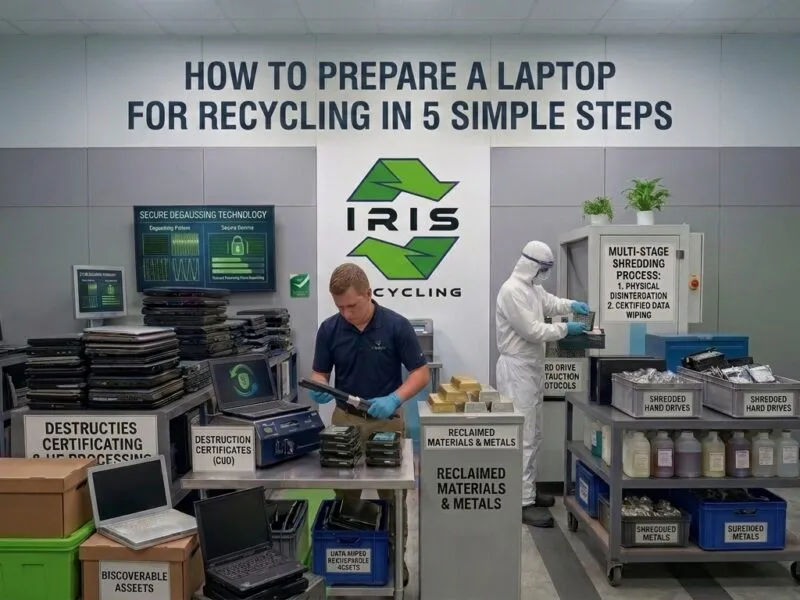
Yes, in smaller ways. How to prepare a laptop for recycling in 5 simple steps covers the practical steps worth taking before collection day. None of these steps require opening the laptop or touching the drive yourself.
Does This Apply to Damaged Laptops Too?
Yes, if anything the drive matters even more here. A laptop that will not power on still has a working or recoverable drive sitting inside it. The device does not need to switch on for destruction to happen. The drive can be removed, or processed as part of the whole unit, either way.
What If the Drive Itself Is Damaged?
A damaged drive usually cannot complete a standard software wipe. In that case, physical destruction through shredding or degaussing becomes the method instead. Laptop recycling and data security, what every business should know covers this risk across a wider range of laptop conditions.
Does Leaving the Drive Inside Slow Down Collection Day?
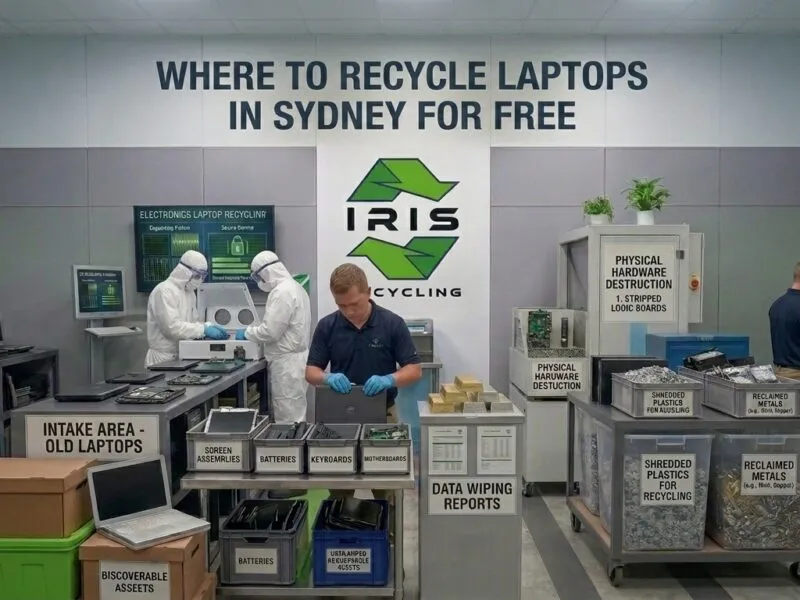
No. Free e-waste recycling in Sydney covers what a standard collection actually involves for businesses and schools. Laptops are collected exactly as they are, drive and all, with no extra preparation required on the day itself.
A member of staff does not need to be technical to get this right. Handing over the laptop as it normally sits on a desk is enough. Everything from that point forward is the recycler’s responsibility, not yours.
Frequently Asked Questions
Do I need to remove the hard drive before recycling a laptop?
No. A specialist e-waste recycler handles the drive as part of their standard process once the laptop arrives. Removing it yourself adds risk without any real benefit. What matters is confirming the recycler applies verified data destruction to the drive, not whether it was removed beforehand.
Is it safer to remove the drive myself before sending a laptop for recycling?
Not usually. Removing a drive without the right tools can damage it, sometimes making destruction harder to verify afterward. A reputable recycler is already equipped to destroy the drive safely while it stays inside the laptop, with documentation provided.
What happens if a laptop’s hard drive can’t be wiped?
A drive that cannot complete a software wipe, often due to damage, goes straight to physical destruction instead. This usually means shredding or degaussing. The outcome is the same either way: no recoverable data survives, regardless of the drive’s condition on arrival.
Can I keep my old hard drive instead of sending it with the laptop?
Yes, some businesses choose this for their own records. The drive still needs the same verified destruction applied eventually, just through a separate process. For most businesses, letting the recycler handle the whole laptop as one unit is simpler.
Does IRIS Recycling destroy hard drives left inside laptops?
Yes. IRIS Recycling applies Active@ KillDisk data destruction to drives whether they arrive inside a laptop or separately. Every device is logged and processed, with documentation available on request, regardless of how it was handed over at collection.
Recycle Your Laptops Without the Extra Hassle
There is no need to open a laptop or touch the drive yourself before sending it for recycling. IRIS Recycling collects laptops free of charge from businesses and schools across Greater Sydney, drive intact or otherwise.
IRIS Recycling’s 5.0 rating from over 100 reviews reflects a process businesses trust precisely because nothing is left to guesswork. Book a straightforward laptop collection with IRIS Recycling and leave the drive exactly where it is.