
To dispose of old IT equipment safely, a business needs a process that audits every device, destroys the data on it to a recognised standard and routes the hardware through a specialist recycler, not a storage room or a skip bin. Every business reaches that point where a storage room quietly fills with old laptops, retired desktops, and networking gear that nobody uses but nobody has sorted out.
It sits there for months, sometimes years, because clearing it always feels less urgent than everything else on the list. This guide explains how businesses can dispose of old IT equipment safely, what the real risks are, and what a responsible process looks like.
How Can a Business Dispose of Old IT Equipment Safely?
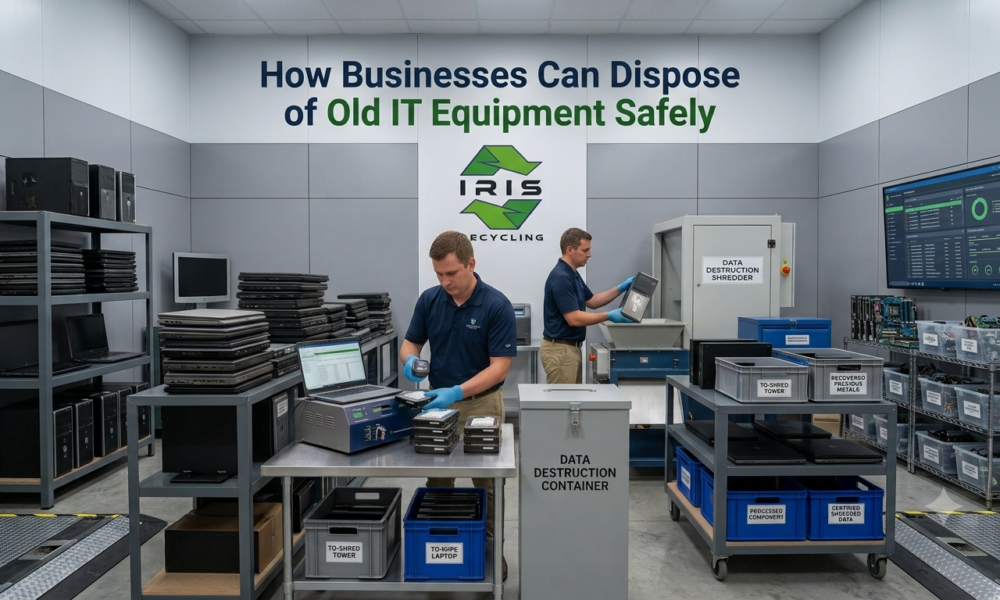
Audit every device, separate data bearing equipment from general tech waste, and hand everything to a specialist recycler that applies verified data destruction to a named standard before processing. Request documentation afterward and confirm the equipment is processed with zero landfill, so the business has evidence it met its obligations.
Why Is IT Equipment Disposal a Business Risk and Not Just a Logistics Problem?
Most businesses treat old tech as a facilities issue, clear it out and call it done. But a retired laptop may still hold client emails, saved logins, financial records, and years of internal documents, and the same applies to a decommissioned server or an old desktop from a departing employee. That data does not disappear when a device is switched off or formatted, and without proper erasure it can often be recovered with basic software.
Under the Privacy Act 1988 and the Australian Privacy Principles, businesses handling personal information must destroy or de identify that data when it is no longer needed. That obligation follows the device, not just the person who used it, which is why our guide on why secure data destruction is essential before recycling computers is worth reading alongside this one.
What Counts as IT Equipment for Safe Disposal?
Safe disposal applies to any device capable of storing data, which is broader than most businesses initially assume. That includes desktop computers, laptops, servers and server racks, network switches and routers, hard drives and SSDs, USB drives and memory cards, tablets and mobile devices, monitors, printers and scanners, audio visual and conferencing equipment, and cables and peripherals. Our list of the top 10 items you can recycle with an e waste company goes through each category in more detail. If a device has ever connected to your network or touched company data, it falls within the scope of secure disposal.
What Goes Wrong When IT Disposal Is Handled Poorly?
What Is the Data Breach Risk?
A device that leaves your business without verified erasure can be recovered, resold or accessed by a third party. Breaches involving personal or financial information trigger mandatory reporting under the Notifiable Data Breaches scheme, along with potential action from the Office of the Australian Information Commissioner.
What Does Privacy Act Non Compliance Look Like?
Informal deletion, sending devices to a general rubbish skip, or donating devices without wiping them does not meet the standard the Australian Privacy Principles require. Businesses are expected to take active steps to destroy personal information they no longer need.
What Environmental and Legal Liability Applies?
Electronic waste contains lead, mercury, cadmium and brominated flame retardants. Electronic waste should not go into general waste or landfill, and several states have introduced specific bans, so businesses that dispose of it that way, even unknowingly, can face liability.
What Reputational Damage Can Follow?
Beyond regulatory consequences, a data breach or improper disposal incident involving company or customer information creates reputational damage that is hard to undo, particularly for businesses in finance, healthcare, education or professional services.
What Is the Difference Between Data Deletion and Data Destruction?
Data deletion removes the visible file or folder, and the underlying data remains on the drive, recoverable with freely available software. This includes recycle bin deletion, simple formatting, and even factory resets on some devices.
Data destruction overwrites the actual data on the drive to make it unrecoverable. The most widely recognised standard is the U.S. Department of Defense DoD 5220.22-M method, which overwrites data multiple times to prevent reconstruction. For businesses, destruction is the method that satisfies the Privacy Act and the Australian Privacy Principles. Deletion, however thorough it feels, does not, as our hard drive destruction guide explains in more depth.
What Are the Steps to Dispose of Old IT Equipment Safely?
Step 1: Audit What You Have
Complete an asset audit before anything is collected. List every device by type, age and whether it has ever held company or customer data. This gives you a clear scope for disposal and a starting record for chain of custody documentation.
Step 2: Separate Data Bearing Devices
Cables, keyboards, and most peripherals do not hold data. Computers, laptops, servers, drives, tablets, and mobile devices do. Separating them early ensures the right process is applied to the right equipment.
Step 3: Do Not Attempt DIY Erasure
Consumer grade deletion tools and manual formatting are not sufficient for business devices holding personal or financial data. This is where a professional e waste recycling and destruction service becomes the appropriate solution rather than an optional extra.
Step 4: Engage a Specialist E Waste Recycling Partner
A specialist service handles collection, chain of custody logging, data erasure to a recognised standard, and zero landfill processing in one coordinated process. This is the safest and most practical option for disposing of any volume of IT equipment.
Step 5: Request Documentation
Ask for written confirmation that your devices went through a verified data destruction process. This closes the chain of custody from your business to the point of erasure and gives you a record if ever questioned under the NDB scheme or a Privacy Act audit.
Step 6: Confirm Zero Landfill Processing
Responsible recycling means materials are recovered and processed rather than sent to landfill. Confirm with your provider that this is how your equipment is handled, both for environmental compliance and sustainability reporting.
When Should a Business Schedule IT Equipment Disposal?
Most businesses do not think about electronic waste until they are forced to, usually while scrambling during a move or finding a mountain of old equipment at the end of a financial year. Building disposal into the regular business calendar makes the process simpler and the compliance risk easier to manage.
Common trigger points include IT refresh cycles when new laptops or servers are deployed, office relocations or downsizing, end of financial year asset write offs, lease returns or equipment upgrades, staff departures involving company owned devices, and mergers, acquisitions, or office closures. Scheduling a collection around these moments clears equipment promptly rather than letting it accumulate. Our guide on why offices need professional electronic waste disposal covers this in more detail.
What Should You Look for in an E Waste Recycling Partner?
Not all e waste services offer the same level of security or accountability. Look for a clearly documented data destruction process rather than a general claim that data is wiped, a named and recognised erasure standard such as DoD 5220.22-M or NIST 800-88, chain of custody logging from collection through to processing, compliance documentation available on request, a zero landfill recycling commitment rather than just removal, and a service model built for bulk business collection rather than individual items.
Frequently Asked Questions
Is a factory reset enough to dispose of a business laptop safely?
No. A factory reset restores the operating system but does not overwrite the underlying data to a recognised standard, so it can often be recovered with the same tools used on a device that was never reset. Business devices need verified erasure such as DoD 5220.22-M or NIST 800-88 instead.
Can old networking equipment like routers hold sensitive data?
Yes, business grade switches and routers can hold configuration data including network credentials, IP address assignments, and access logs. A basic factory reset may not be enough for larger environments, so confirm with your recycler whether formal wiping applies to your networking gear.
What should I do with equipment from a closed office or a merger?
Treat it the same as any other IT disposal, audit every device, separate data bearing equipment, and arrange a specialist collection with verified erasure. Mergers and closures often surface older equipment that was forgotten, so a full audit at that point is worth the extra time.
Do I need separate collections for computers and other equipment like monitors or cables?
No. A specialist recycler can collect data bearing devices and general tech waste in the same scheduled visit, as long as they are grouped so the right process applies to each. Send a rough estimate of your equipment and the team will confirm how a single pickup can cover it all.
Is safe IT equipment disposal free for businesses in Sydney?
Yes. IRIS Recycling offers free pickup and drop off for businesses and schools across Sydney, with secure data erasure included as standard. Contact the team with your device numbers to arrange a collection that suits your business and your schedule.
Dispose of Your Business IT Equipment the Right Way with IRIS Recycling
At IRIS Recycling, we provide free electronic waste pickup and drop off for businesses and schools across Sydney, with secure data erasure using Active@ KillDisk built into every collection. Every device we collect is erased before it is processed and handled with a zero landfill commitment.
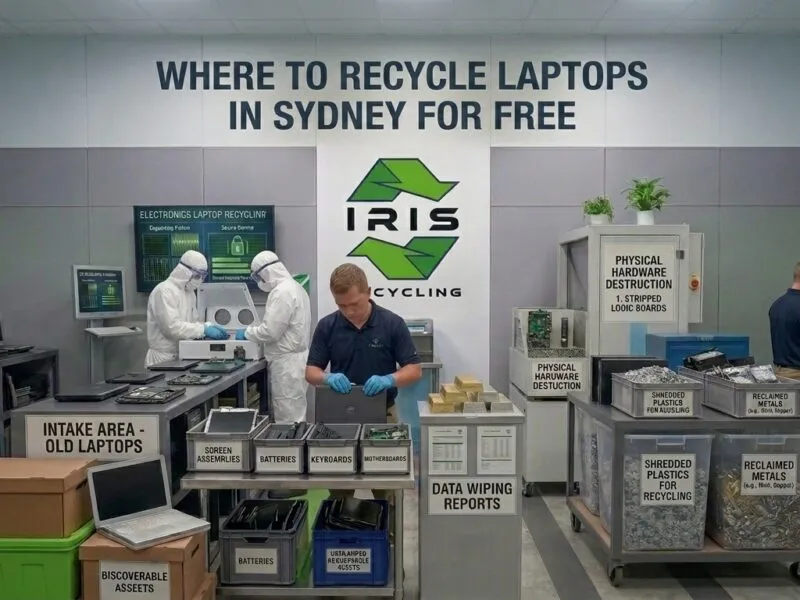
IRIS holds a 5.0 rating from more than 100 reviews, and our guide on where to recycle laptops in Sydney for free explains how collections work.
If your business has old IT equipment sitting in storage, a refresh cycle coming up or a move on the horizon, now is the right time to sort it. Schedule your free pickup with IRIS Recycling today.